Lenovo's Chromebook, 300euro
Although it is not used well in Korea, the U.S. education market has been reorganized around Chromebooks. It is also because of this education market that Apple continues to offer low-priced iPads at low prices and allows users to use keyboards and pencils that are equivalent to professionals in low-end products.
Thanks to this, adults are mostly looking for low-end devices for web surfing. Lenovo's Chromebook duet can be interpreted in the same sense.
Chromebooks, of course, may be a slightly ambiguous device for domestic use. This is because it uses Chrome OS, not Windows or iOS. Chrome OS is an OS that feels like using only Chrome browser. Although not completely identical to the Chrome browser, the various extensions available in Chrome browser are also available in Chrome OS. There is also a dedicated program for Chrome OS. Therefore, there is no problem with using a Chrome browser only with few other things on the PC.
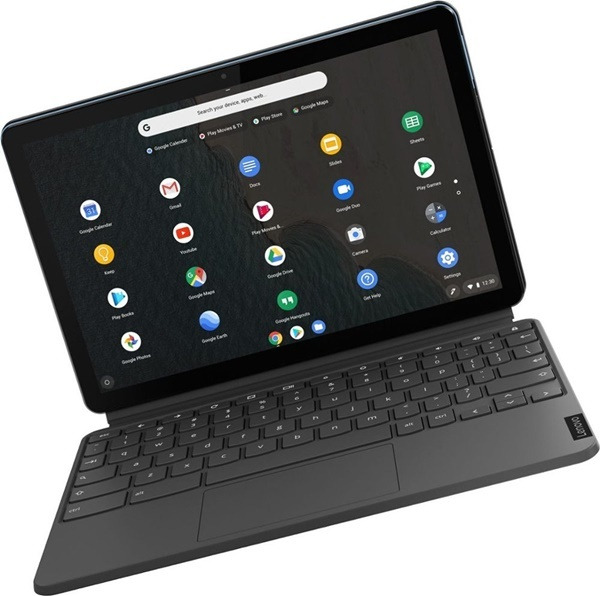
Chrome OS feels like this, but you can make it into a GUI version like Windows.
In the past, Chrome OS was actually a product with only a browser, but now it provides icons such as Windows and iOS, making it easy for new viewers to adapt.
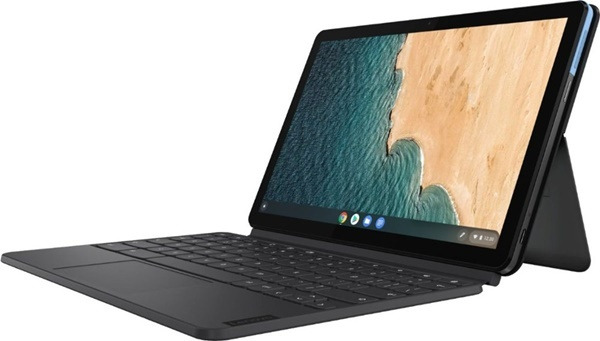
Chromebook's only problem is that it is cheaper than Windows but more expensive than entry-level Android tablets. It can't be unconditionally cheaper than a Windows laptop because it often has Windows-equivalent hardware. The reason why it is slightly cheaper than Windows laptops with similar performance is because Google offers Chrome OS for free. However, unlike Windows, low-performance devices can be used smoothly.
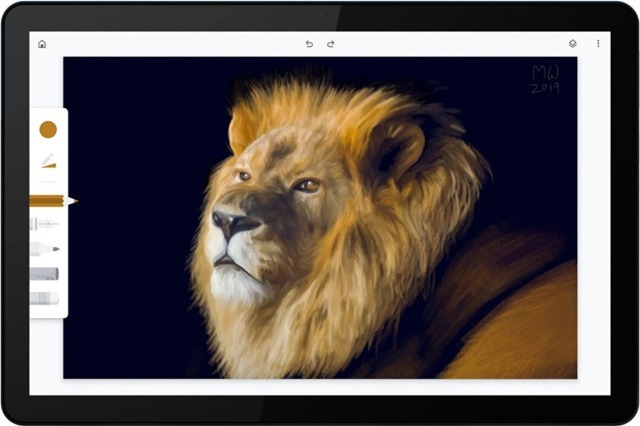
Of course, this machine doesn't make it look like this.
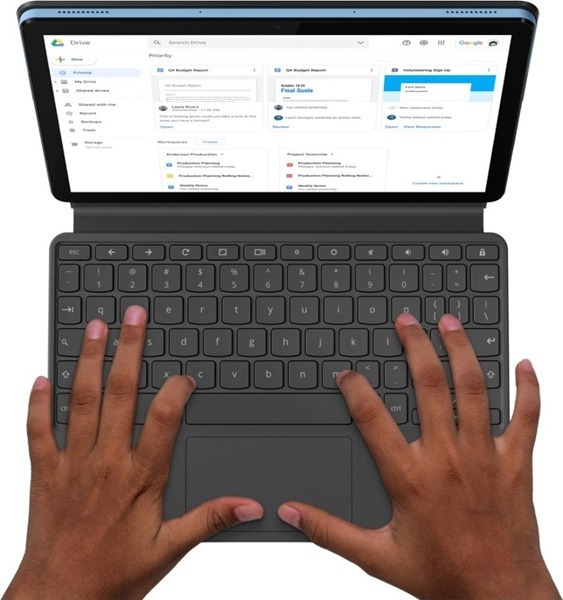
Lenovo's Chromebook duet is a device that responds to low-end iPads. In the first place, Chromebooks have a closed ecosystem, which tends to be closer to iOS than Android. It even offers a touchpad keyboard for $279. Keyboards can also be removed and used in 2-in-1 format.
Its size is 10.1 inches and resolution is 1920 x 1200, which is sufficient. It is very light at 450g when you take off the keyboard and 920g when you attach it.
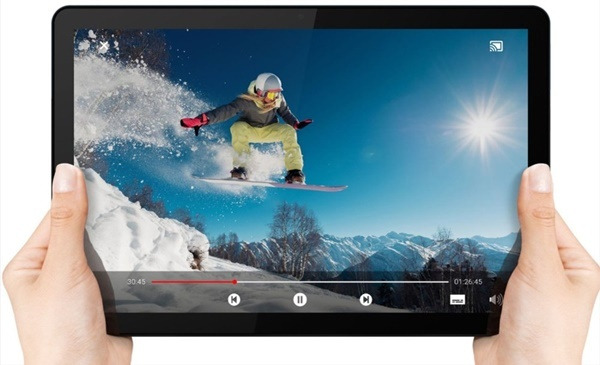
450g is enough for elementary school students.
The $279 model uses MediaTek's octa-core processor and comes with 64GB of storage space and 4GB of RAM. MediaTech is a company that makes CPU that is relatively inexpensive and also has low performance. It's only when the product actually arrives how many applications this hardware can run, but basically the Chrome OS is designed to go back to ultra-low specifications. In other words, the basic features of the Chrome OS, especially Google services (mail, documents, spreadsheets, YouTube, etc.) will be able to run smoothly. Call functions such as Google service Duo can also be used with front-to-back cameras. However, installing additional apps here may slow down the app.
.
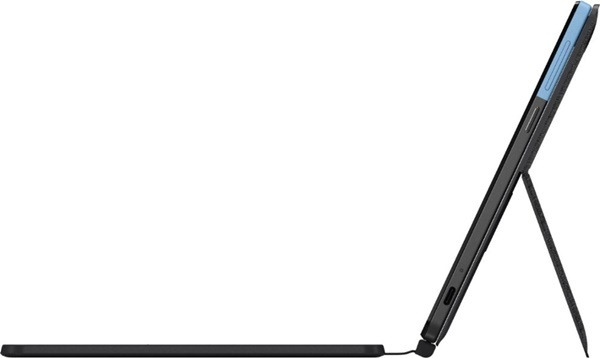
However, it is expected that there will be no major problems in writing documents and using office apps. For Microsoft Office, you can use the Android app. Chrome OS is not an Android device, but part of the Android app is available through the Google Play Store. Office apps that MS integrates and provides are Android apps that can run on Chrome OS. Since you can't play games anyway because of poor specifications, you might want to consider it as a productivity machine. If you have to use Windows, wait for the second generation of Surface High School. If pencil use is the main purpose, consider iPad or Galaxy Tab S6 or S6 Light.
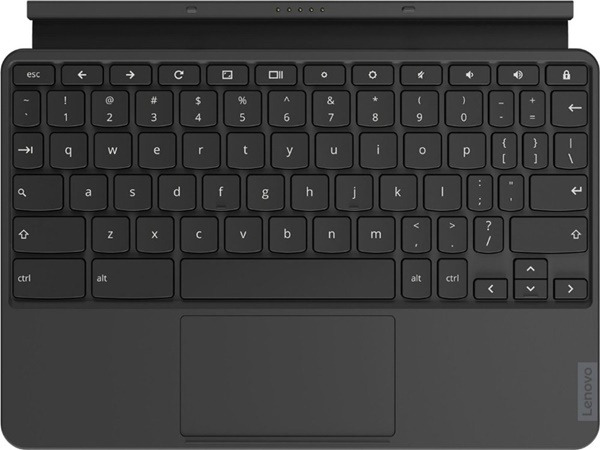
The keyboard is quite full-fledged.
The product is currently only available in the U.S., with the lowest price of $279 (about $340,000), and the 128GB model, which has slightly higher specifications, costs $299 (about $370,000. It is known that there are no plans to release it in South Korea. It is currently on preorder at Best Buy.